

🚀 The Basics: What Are ARM and x86?
When you’re shopping for a laptop, you might see references to “ARM-based” or “x86-based” models. These terms refer to the CPU architecture – the design blueprint behind the chip that runs your laptop.
x86: This is the architecture behind most traditional PCs. It includes chips made by Intel and AMD – think Core i5, i7, Ryzen, etc.
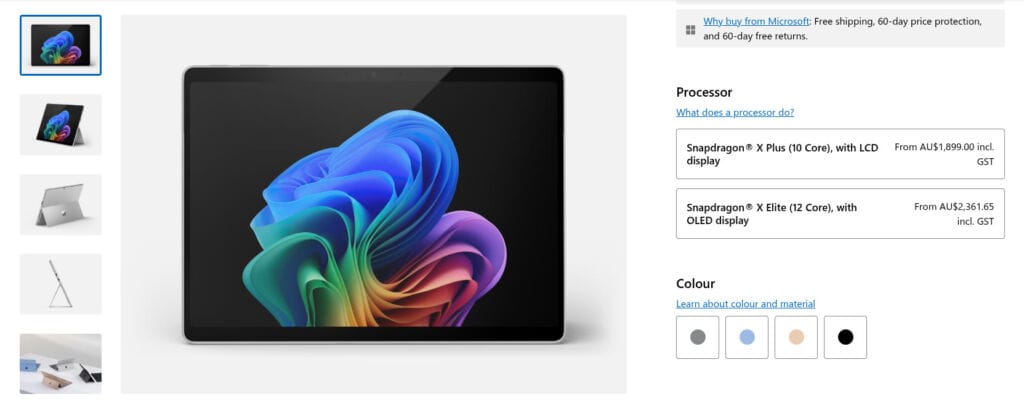
ARM: Originally designed for smartphones and tablets, ARM architecture is all about efficiency. Apple’s M-series chips (like the M1 and M2) and Qualcomm’s Snapdragon chips use ARM.
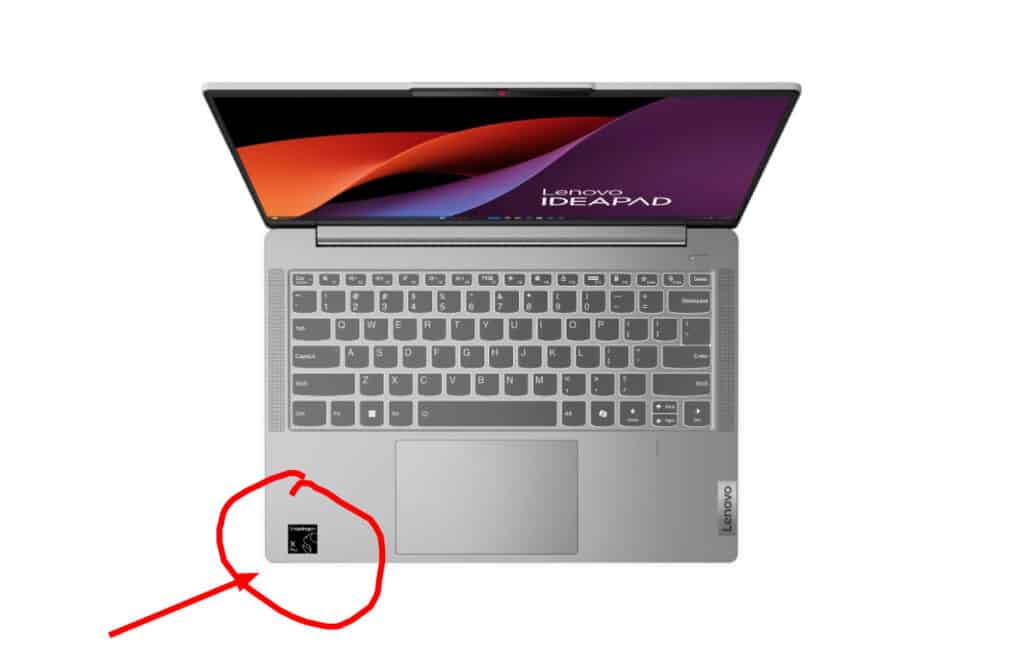
⚖️ Performance vs Efficiency
x86 Laptops:
✅ High performance for demanding apps, gaming, and multitasking.
✅ Great compatibility with Windows and Linux software.
❌ Tend to use more power – shorter battery life.
❌ Usually require cooling fans.
ARM Laptops:
✅ Super efficient – longer battery life, often fanless.
✅ Instant-on, mobile-like responsiveness.
✅ Often lighter and thinner.
❌ Not all apps are compatible (especially on Windows ARM).
❌ May offer lower peak performance (though Apple’s M-series is an exception).
💻 Software Compatibility: A Big Deal
If you use:
Microsoft Office? ✔️ Both architectures support it.
Adobe Creative Suite? ✔️ But better support on x86 (unless you’re on a Mac).
Specialised software (e.g. CAD, finance apps, legacy tools)? ❗Stick with x86 unless you’re sure it’s supported on ARM.
Apple’s macOS has full native ARM support, while Windows on ARM is improving but still has limitations.
User Case Study
We had an ARM laptop come through the workshop running Snagit. When they initially installed Snagit it ran okay but later caused blue screens. This wasn't a big deal (once we located the problem) because the client could use other software. It is indicative of an issue you might get with ARM-based laptops. Of course, most mainstream software has ARM compatibility.
🔋 Battery Life Showdown
ARM-based laptops are usually the battery life champions, thanks to the chip’s low power consumption. It’s not uncommon to see 15–20+ hours on an ARM laptop, compared to 8–12 hours on x86 devices under the same conditions.
🌐 Popular Devices
x86:
Dell XPS series
Lenovo ThinkPad X1
Most Windows gaming laptops
ARM:
Apple MacBook Air/Pro (M1, M2, M3 chips)
Microsoft Surface Pro X
Samsung Galaxy Book Go (Snapdragon)
🧐 Which One Should You Choose?
| Use Case | Best Choice |
|---|---|
| Gaming or heavy editing | x86 (Intel/AMD) |
| Everyday use + long battery | ARM (Apple M1/M2 or Qualcomm) |
| Compatibility with old software | x86 |
| On-the-go portability | ARM |
| Price-conscious buyers | x86 has more variety |
🧠 Insider Tip:
If you’re considering a Windows ARM laptop, make sure to check app compatibility first. Some Windows programs still don’t run well on ARM—especially older or niche ones.
What About Linux on ARM?
Here's a question nobody ever asked. Except me of course. And enough other people for an ARM-based linux to exist. I've been using Asahi Fedora on a Mac Mini (because I have a Mac Mini and can't stand OS X). It mostly works well but you can't run dual screens without getting the correct display adapter and holding your tongue in the corner of your mouth while typing numerous commands into terminal.
My own experience with ARM-based Linux distros is with the somewhat niche Asahi Linux. It was built for use on Apple's ARM based laptops and PCs. I found it to be an excellent version of Fedora, a distro I love, but it couldn't support dual-screens. That was a non-negotiable for me. The lack of dual-screen was an Apple architecture issues rather than an ARM architecture issue. For anyone like me who quite likes Apple hardware but can't stand the terrible flow of their OS, Asahi is a good alternative. So long as you only want one monitor. For others there is Arch ARM, Ubuntu for ARM and others. I have no experience with them so I won't comment, except to say I like the idea of a lightweight Linux laptop with day-plus battery life.ARM laptops are shaking up the market with incredible battery life and sleek designs, but x86 still rules the roost when it comes to raw performance and wide software support. The right choice depends on what you need your laptop to do.
Laptops For Sale
If you're looking for a new or used laptop, check out our laptops for sale. Laptops For Sale