

When most people think about computer maintenance, they picture software updates, virus scans, maybe clearing out old files. What often gets forgotten is one of the most important forms of maintenance: physical PC cleaning. And believe it or not, this simple step can make the difference between a fast, healthy system and one that overheats, slows down, or fails altogether.
When I worked in Brisbane, we used to attend a PC all the time, remove the RAM, clean it, and get it running again. It was placed outside (for a weighing station) and didn’t appreciate the harsh conditions. Inside the air conditioned office, the PCs were regularly cleaned and they never needed us. The moral of the story is, the better your PC is kept, the better it will run.
Fun Fact, It's Skin!
Most of the dust around your home or office will be skin sloughed off by you and others. If you ever blow it with your mouth you'll taste some of that dust and it will be distincly salty.
How Dust Affects Your PC
Computers generate heat, and they rely on airflow to keep components cool. When dust builds up inside:
1. Airflow becomes restricted
Fans can’t draw in clean air or expel hot air efficiently.
2. Temperatures rise
Components like the CPU and GPU heat up more quickly.
3. Performance drops
Your system throttles itself to avoid damage — causing slowdowns and lag.
4. Fans run harder and louder
They spin faster to compensate, which can wear them out over time.
5. Components can fail prematurely
Excess heat reduces the lifespan of almost every part inside your PC.
Even a few millimetres of dust on a heat sink is enough to raise temperatures significantly.
Signs Your PC Might Need a Clean

- Louder fans than usual
- The PC feels hot to the touch
- Random shutdowns or restarts
- Games or applications running slower
- Strange electrical or “dusty” smell
- Visible dust around vents or ports
Your PC is a like a vacuum cleaner and most users don’t realise how quickly dust can accumulate — especially in homes with pets, carpeted offices, or computers placed on the floor.
What a Proper PC Clean Involves

A real PC clean is more than a quick blow with a can of air. At Pogo, we perform a full internal and external clean, which includes:
- Removing dust from all fans (case, CPU, GPU, PSU)
- Cleaning heat sinks and radiators
- Clearing out vents, filters, and air pathways
- Checking thermal paste condition
- Ensuring cables aren’t obstructing airflow
- Testing temperatures before and after cleaning
If needed, we can also replace thermal paste, install new fans, or improve your airflow setup.
The result? A cooler, quieter, and far more reliable computer.
How Often Should You Clean Your PC?
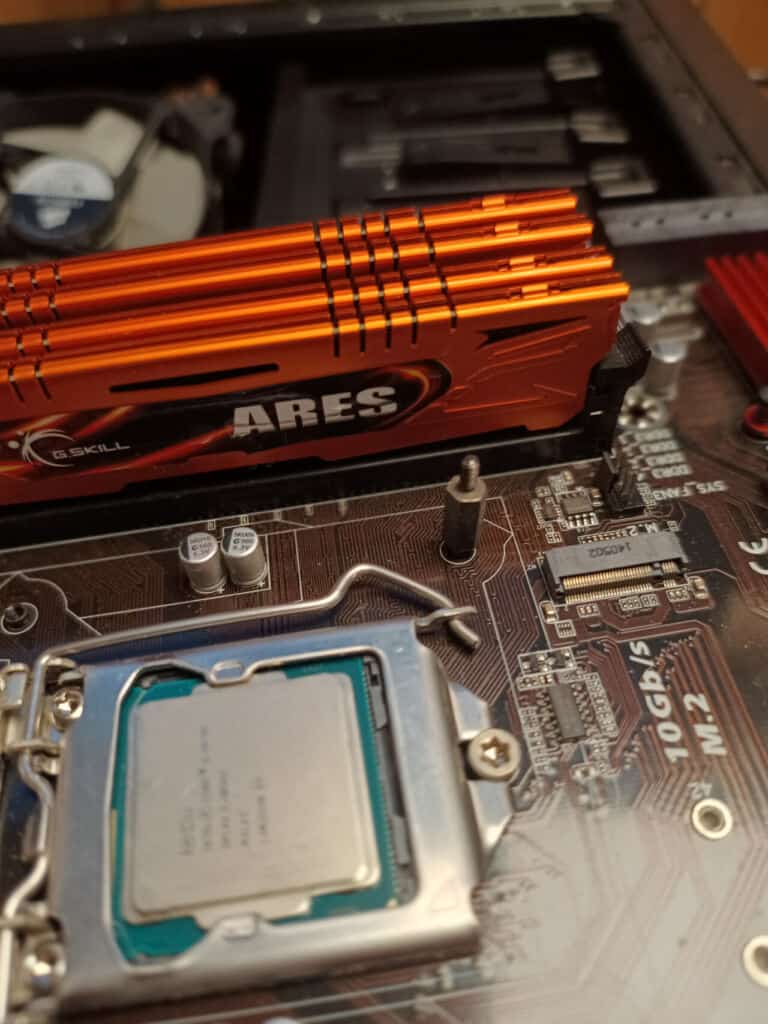
It depends on your environment, but general guidelines are:
Every 6 months — standard home use
Every 3–4 months — pets, smokers, carpeted rooms
Every 2–3 months — business offices, dusty environments
Monthly — gaming PCs or high-performance workstations
Not sure when yours was last cleaned? If you have to think about it, it’s probably time.
PC Cleaning Is a Small Cost That Prevents Big Costs Later
A clean PC:
Runs cooler and faster
Has longer-lasting components
Crashes less
Stays quiet
Uses less energy
Avoids expensive repairs and replacements
It’s one of the simplest and most cost-effective ways to keep your computer healthy.
- Runs cooler and faster
- Has longer-lasting components
- Crashes less
- Stays quiet
- Uses less energy
- Avoids expensive repairs and replacements
Need Your PC Cleaned Professionally?
"*" indicates required fields