

A staggering 240 million PCs have just become redundant due to the end of Windows 10 support. This is a ridiculous quantity of electronic waste. Thankfully, there is a solution. There is an alternative to Windows 10 that is not just a good way to keep alive old PCs. It’s in most ways superior to Windows. It’s Linux.

How is Linux superior to Windows
Imagine a world where you will never again start your work PC, only to be entreated to join a gaming network (Xbox). Imagine a world where you don’t have to join Microsoft, or Apple, or Google, just to use your computer. Imagine a world where you don’t have to choose to remove the NineMSN’s news and weather service from your desktop. Imagine a world where there is no telemetry, no communicating your computer use back to a corporate server.
That’s what we get with Linux. It is developed to be complete free and open source (FOSS). That means that no-one is trying to make money out of your computer usage. It means you’ll never again be up-sold on some rubbish you don’t need. It means you won’t need to make an account with an external body just to use your own PC. It means you won’t ever restart your PC and have to decline OneDrive (yet again). Or MS365.
It also means your computer will probably run better and faster. You’ll get a functioning firewall straight out of the box. You’ll get a software centre that actually contains all the software you need. The get the world of FOSS at your fingertip

The world of FOSS
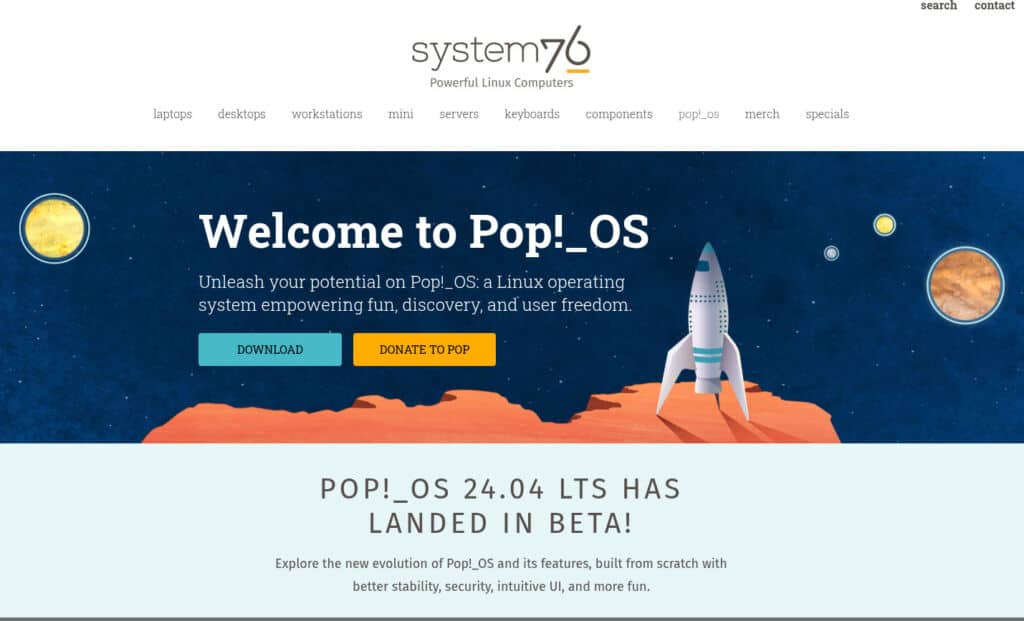
My work PC is running a Linux desktop called Pop!_OS. It’s based on Ubuntu which is in turn based on Debian. (Try not to focus on this stuff. It’s gets confusing very quickly. Also, don’t judge Linux by Debian’s website. It’s somewhat…basic.) Ubuntu is the world’s most popular Linux system. It’s maintained by Canononical, who create a very stable and functional version of Debian. It’s free and open source though, which means anyone can copy the code, change it, release their own version. There are over 600 distros (distributions) of Linux using Ubuntu as their base. (I told you not to focus too much on this. You’ll get lost in the wood very quickly.)
I also use LibreOffice in place of MS Office. For 99% of people Libre Office will do everything they need.
Kdenlive is my video editing software.
Zap Zap handles Whatsapp duties.
Inkscape is for the few moments when I edit vector images. GIMP is for editing jpg and png images. Filezilla is for uploading via FTP. Remmina is for remote desktop and VNC.
And so on. I have almost no propitiatory of paid software and it doesn’t hinder my productivity one bit. In fact, quite the opposite.
The question is though, where do you start? And the answer is, Zorin OS. It has tried hard to position itself as the Windows replacement we need.
Zorin OS
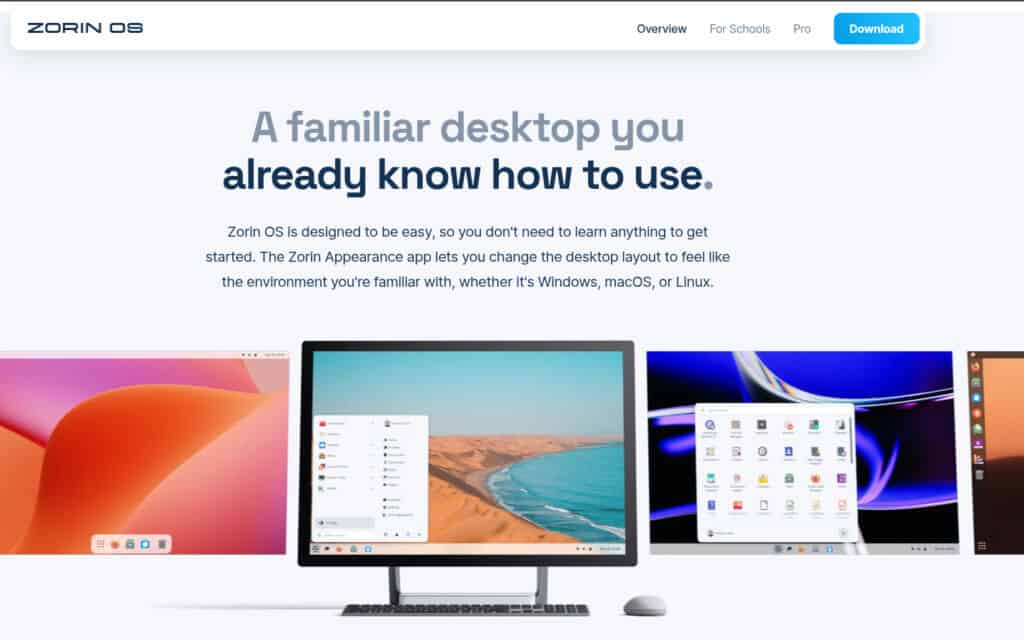
Zorin OS is a Linux distribution designed from the ground up to feel familiar and comfortable for users transitioning from Windows. It achieves this through a clever blend of user-friendly design, powerful software compatibility, and a focus on ease of use, making it a particularly attractive alternative to Windows 10 and 11.
Why Zorin OS is a Great Option:
Familiar Interface: This is Zorin OS’s strongest selling point. Upon installation, you’re greeted with a desktop environment that closely mimics the look and feel of Windows. You can even choose between different layouts that resemble Windows 7, 10, or even macOS, ensuring a near-instantaneous feeling of familiarity.
Windows Software Compatibility: Thanks to WINE, a compatibility layer, you can run many of your favorite Windows applications and games on Zorin OS. While not every program works perfectly, a large percentage of popular software functions flawlessly.
Lightweight and Efficient: Zorin OS is significantly less resource-intensive than Windows, especially on older hardware. This means your computer will boot faster, run smoother, and feel more responsive, giving older machines a new lease on life.
Security and Stability: Linux-based operating systems are inherently more secure than Windows, thanks to a robust permission system and a smaller attack surface. You’ll experience fewer viruses, malware, and system crashes, leading to a more reliable computing experience.
Customization: Zorin OS is highly customizable. You can tweak everything from the desktop theme to the window manager to suit your personal preferences.
Free and Open Source: Zorin OS is completely free to use and redistribute. There are also Pro versions that come with additional features and support, but the core operating system remains free.
Pre-installed Software: Zorin OS comes pre-loaded with essential applications like LibreOffice (a powerful alternative to Microsoft Office), Firefox, a media player, and various utilities.
Why Zorin OS is a Preferred Windows 10 Replacement:
Many Windows 10 users are frustrated with its forced updates, aggressive data collection, and increasing resource demands. Zorin OS addresses these concerns head-on:
No Forced Updates: You are in complete control of when and how your system updates.
Privacy-Focused: Zorin OS respects your privacy and does not collect your personal data without your consent.
Reduced Bloat: Unlike Windows 10, Zorin OS doesn’t come pre-loaded with unnecessary bloatware that slows down your system.
Improved Performance on Older Hardware: If you’re still running Windows 10 on an older machine, switching to Zorin OS can dramatically improve performance and responsiveness.
How to Install Zorin OS:
Here’s a step-by-step guide to installing Zorin OS:
Download Zorin OS: Go to the official Zorin OS website (zorin.com) and download the ISO image of the version you want (Core, Lite, or Pro). The Lite version is designed for older or less powerful hardware.
Create a Bootable USB Drive: Use a tool like Rufus, Etcher, or UNetbootin to create a bootable USB drive from the downloaded ISO image.
Back Up Your Data: This is crucial! Before making any changes to your system, back up all your important files and documents.
Boot from the USB Drive: Restart your computer and enter the BIOS/UEFI settings (usually by pressing Del, F2, F12, or Esc during startup). Change the boot order to prioritize the USB drive.
Start the Zorin OS Installer: Once your computer boots from the USB drive, you’ll be presented with the Zorin OS installation menu. Choose “Try Zorin OS” to test the operating system before installing, or “Install Zorin OS” to begin the installation process.
Follow the On-Screen Instructions: The installer will guide you through the process. You’ll be asked to choose your language, keyboard layout, and partition settings.
Dual Boot: If you want to keep Windows alongside Zorin OS, choose “Install alongside Windows.”
Erase Disk and Install Zorin OS: If you want to completely replace Windows, choose “Erase disk and install Zorin OS.” Warning: This will delete all data on your hard drive!
Something Else: This option allows you to manually partition your hard drive. This is for advanced users.
Create a User Account: After choosing your partition settings, you’ll be prompted to create a user account.
Wait for the Installation to Complete: The installation process can take some time, depending on your hardware.
Restart Your Computer: Once the installation is complete, you’ll be prompted to restart your computer.
Enjoy Zorin OS: After restarting, you’ll be greeted with your new Zorin OS desktop. Explore the system, install your favorite applications, and start enjoying a smoother, more secure, and more privacy-respecting computing experience.
Do it now!
Windows 10 support has officially ended. That leaves your PC vulnerable if it is still running on 10. If 11 isn’t an option for you, try Zorin. The world of Linux takes a little adjusting to but once you get there it is so much better than being locked into vendors like MS, Apple and co.